Best viewed on a larger screen

This slide deck is designed for laptop or desktop viewing. Please open it on a bigger screen for the full experience.

Please revisit on a laptop or desktop.

Crafting the Agentic Harness

Build Your Own AI Agent

Sandip Wane · Applied AI at CloudHedge

Vintage engraving of two men taming a horse
Introduction

What this session is about

  • Understand the agent loop

    How LLMs become agents: the think → act → observe cycle

  • Build an agentic harness from scratch

    Bun + Vercel AI SDK + AWS Bedrock. No frameworks, just code

  • Give your agent tools

    File I/O, shell access, sub-agents: the building blocks of a coding agent

  • Add memory & context

    System prompts, message history, and stateful conversations

  • Walk away with a working agent

    A coding assistant you can extend, customize, and ship

Crafting the Agentic Harness 🐎 Sandip Wane · CloudHedge
02 / 19
Introduction

Not covered in this session

  • Evals

    Measuring agent quality, accuracy, and reliability

  • RAG

    Retrieval-augmented generation and vector search

  • MCP Client

    Model Context Protocol for connecting to external tools

Crafting the Agentic Harness 🐎 Sandip Wane · CloudHedge
03 / 19
Introduction

Assumptions

  • Bun / Node.js

    Runtime for all demos. Node.js works too

  • Vercel AI SDK

    Unified interface for model calls, tools, and streaming

  • AWS Bedrock

    Model provider. Swap for OpenAI/Anthropic API if you prefer

  • Mixed experience levels

    No single "right" background. We will build up from first principles

  • Ask questions anytime

    This talk assumes familiarity with several concepts. Interrupt if anything is unclear

Crafting the Agentic Harness 🐎 Sandip Wane · CloudHedge
04 / 19
Agent Concepts

What is an agent?

LLM + Tools + Loop + Goal = Agent
  • LLM Reads context, picks the next action
  • Tools Functions the LLM can call: read files, run code, hit APIs
  • Loop Call tool, get result, decide next step, repeat
  • Goal A stopping point so the loop knows when to end
An AI agent is a system combining an LLM with tools, capable of reasoning in a loop, making decisions, and acting on its environment to pursue a goal autonomously.

Anthropic's Take

Anthropic splits "agentic systems" into workflows (LLM follows predefined code paths) and agents (LLM decides its own next step). The difference: who controls execution.
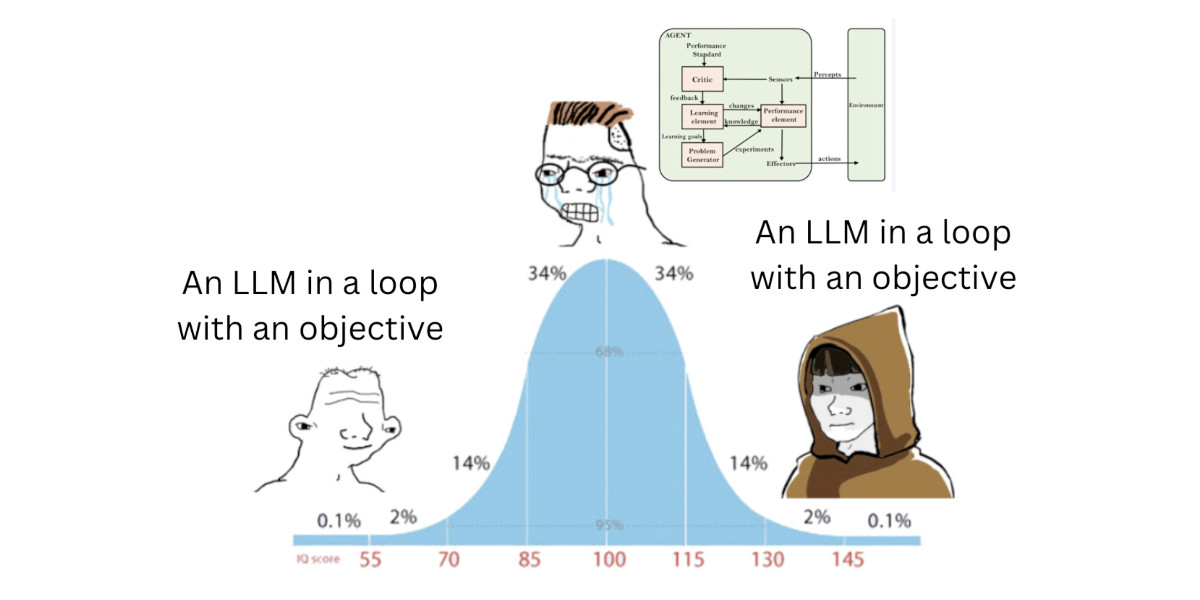
IQ bell curve meme: both ends say 'An LLM in a loop with an objective' IQ bell curve meme enlarged
Crafting the Agentic Harness 🐎 Sandip Wane · CloudHedge
05 / 19
Agent Concepts

What is a harness?

A harness wraps an LLM with tools, memory, and a control loop so it can work toward a goal.

Horse Analogy

  • LLM A wild horse: raw power, no direction
  • Harness Reins, saddle, and a path to follow
  • Without The LLM just generates text
  • With The LLM acts, observes, and achieves goals

Best examples of LLM harnesses
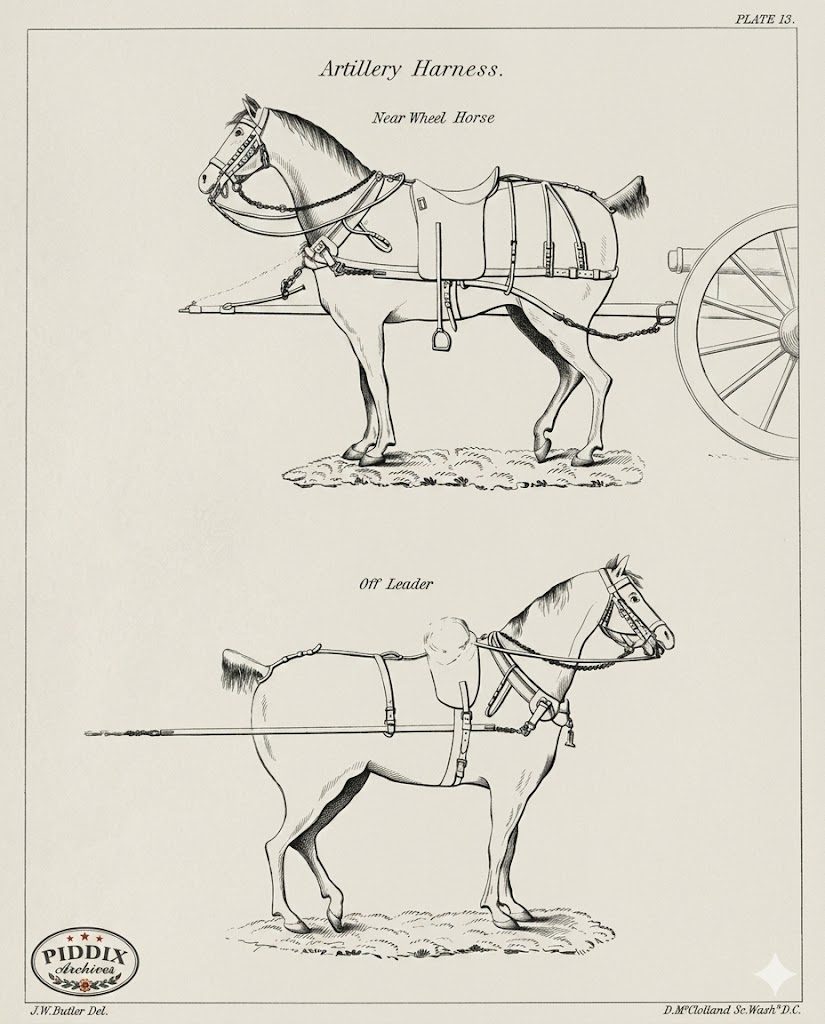
Horse with a harness - analogy for harnessing an LLM Horse with a harness - enlarged
Crafting the Agentic Harness 🐎 Sandip Wane · CloudHedge
06 / 19
Agent Concepts

The Agent Loop

flowchart TD
  User(["User Prompt"]) --> Setup["Setup
system prompt + tools + messages"] Setup --> LLM["Call LLM
streamText"] LLM --> Decide{{"Tool calls?"}} Decide -->|Yes| Exec["Execute Tools
append results to messages"] Exec --> LLM Decide -->|No| Done(["Return Response"]) classDef start fill:#2ea043,stroke:#238636,color:#fff classDef process fill:#1f6feb,stroke:#1158c7,color:#fff classDef decision fill:#d29922,stroke:#b38600,color:#fff classDef action fill:#8b5cf6,stroke:#7c3aed,color:#fff classDef finish fill:#2ea043,stroke:#238636,color:#fff class User start class Setup process class LLM process class Decide decision class Exec action class Done finish
Crafting the Agentic Harness 🐎 Sandip Wane · CloudHedge
07 / 19
Agent Concepts

Demo · LLM call, no memory

ts 01-no-memory/index.ts
const bedrock = createAmazonBedrock({ region: "us-east-1" });
const model = bedrock("us.anthropic.claude-opus-4-6-v1");

async function ask(prompt: string) {
  const { text } = await generateText({ model, prompt });
  return text;
}

Each ask() call sends only the current prompt. No history, no context, no memory.

sh bun run 01-no-memory
=== Forgetful Claude ===
Each turn is independent.

> My name is Sandip.
Hi Sandip! Nice to meet you.

> What's my name?
I don't have any information
about your name...

Claude forgets the name between turns. No memory lives in the model.

Memory isn't a model feature. It's something the harness assembles by replaying past turns on every call.
Crafting the Agentic Harness 🐎 Sandip Wane · CloudHedge
08 / 19
Agent Concepts

Demo · LLM call with session memory

Pepe praying

See demo

Crafting the Agentic Harness 🐎 Sandip Wane · CloudHedge
09 / 19
Agent Concepts

Message structure & turn markers

Type messages: ModelMessage[] = [ { role, content } ]
01 system You are CHAI Universe created by team CloudHedge.
02 user hi I am Sandip
03 assistant Hi Sandip! Nice to meet you.
04 user whats my name
05 assistant Your name is Sandip.
role is the turn marker. content is the text. The harness owns this list, the model only reads it.
Crafting the Agentic Harness 🐎 Sandip Wane · CloudHedge
10 / 19
Agent Concepts

The list grows every turn

Turn 1 +2 02 msgs
01 user hi I am Sandip
02 assistant Hi Sandip!
Turn 2 +2 04 msgs
01 user hi I am Sandip
02 assistant Hi Sandip!
03 user whats my name new
04 assistant Your name is Sandip. new
Turn 3 +2 06 msgs
4 earlier messages
05 user one more thing new
06 assistant Sure! new
Each turn the harness appends two messages, then resends the whole array. The model never mutates the list.
Crafting the Agentic Harness 🐎 Sandip Wane · CloudHedge
11 / 19
Coding Agent

What is a coding agent?

Coding Agent = Agent + Code Tools + Repo Context + Code Goal
  • Agent LLM + Tools + Loop + Goal, as defined earlier
  • Code Tools Bash, Read, Edit, Grep, Glob, read and change the repo
  • Context A repo, a working directory, a set of files
  • Goal Ship a change, fix a bug, add a feature
Same loop, same message shape. What makes it coding is the toolbox and the working directory.
Crafting the Agentic Harness 🐎 Sandip Wane · CloudHedge
12 / 19
Coding Agent

What is a tool?

A tool is a function the LLM can decide to call. The harness registers it, the model requests it, the harness runs it, the result flows back as a tool message.
  • Name Stable identifier the model calls by
  • Description Plain English doc that teaches the model when to use it
  • Input Schema Zod or JSON schema that validates arguments
  • Execute The actual function your harness runs locally
1LLM emits a JSON tool call
2Harness executes the function
3Result appended as tool message
4Loop continues
The model never runs code. It only asks. Your harness decides whether and how to execute.
Crafting the Agentic Harness 🐎 Sandip Wane · CloudHedge
13 / 19
Coding Agent

First tool · bash

The single most powerful tool. One shell, and the model can reach the whole OS.
  • One tool replaces dozens: ls, grep, find, curl, git
  • Model picks the right Unix command for the goal
  • Returns stdout and stderr as the tool result
  • Full shell access. Gate it with a permission prompt in production
ts tools/bash.ts
import { tool } from 'ai';
import { z } from 'zod';
import { exec } from 'node:child_process';
import { promisify } from 'node:util';

const run = promisify(exec);

export const bash = tool({
  description: 'Run a shell command on the local machine and return stdout / stderr.',
  inputSchema: z.object({
    command: z.string().describe('The shell command to execute'),
  }),
  execute: async ({ command }) => {
    const { stdout, stderr } = await run(command);
    return { stdout, stderr };
  },
});
Crafting the Agentic Harness 🐎 Sandip Wane · CloudHedge
14 / 19
Coding Agent

File read · write · apply diff

Three sibling tools let the agent perceive and mutate the repo.
read
Return file content with line numbers
path
write
Create or overwrite a file
path, content
edit
Find a slice and replace it in place
path, old_string, new_string
  • Read before write. The model sees what it is changing
  • Line numbers help reasoning. The model can point to a location
  • Edit is safer than write. Only the matched slice changes
  • Apply diff pattern. Avoids regenerating the whole file on every change
ts tools/file.ts
import { tool } from 'ai';
import { z } from 'zod';
import { readFile, writeFile } from 'node:fs/promises';

export const read = tool({
  description: 'Read a file. Returns content with line numbers.',
  inputSchema: z.object({ path: z.string() }),
  execute: async ({ path }) => {
    const text = await readFile(path, 'utf8');
    return text.split('\n')
      .map((line, i) => `${i + 1}\t${line}`)
      .join('\n');
  },
});

export const write = tool({
  description: 'Create a new file or overwrite an existing one.',
  inputSchema: z.object({ path: z.string(), content: z.string() }),
  execute: async ({ path, content }) => {
    await writeFile(path, content, 'utf8');
    return { ok: true, path };
  },
});

export const edit = tool({
  description: 'Apply a diff: replace one exact slice of a file.',
  inputSchema: z.object({
    path: z.string(),
    old_string: z.string(),
    new_string: z.string(),
  }),
  execute: async ({ path, old_string, new_string }) => {
    const text = await readFile(path, 'utf8');
    if (!text.includes(old_string)) throw new Error('old_string not found');
    await writeFile(path, text.replace(old_string, new_string), 'utf8');
    return { ok: true };
  },
});
Crafting the Agentic Harness 🐎 Sandip Wane · CloudHedge
15 / 19
Coding Agent

Subagents · the Task tool

Pepe praying

See demo

Crafting the Agentic Harness 🐎 Sandip Wane · CloudHedge
16 / 19
Coding Agent

Skill tool

Pepe praying

See demo

Crafting the Agentic Harness 🐎 Sandip Wane · CloudHedge
17 / 19
Wrap up

Resources

Crafting the Agentic Harness 🐎 Sandip Wane · CloudHedge
18 / 19
Fin

Thank you

Now go build your own agent

Sandip Wane · Applied AI at CloudHedge